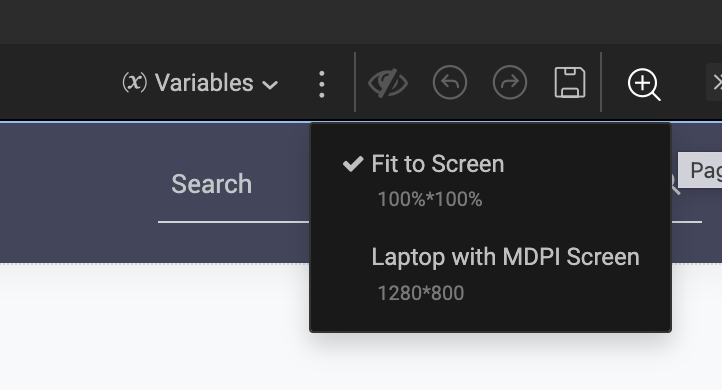
WaveMaker Studio is evolving its canvas layout options to provide developers with more precise control. We're excited to introduce Zoom Level settings, which will replace the previous MDPI options while offering greater flexibility in how you view and work with your app screens.
Currently, WaveMaker Studio offers two layout options for the canvas size, as outlined below:
1. Fit to Screen -
This option ensures that the entire app screen being developed fits within the available display area without requiring any scrolling or resizing. It automatically adjusts the content to match the screen's resolution or aspect ratio for optimal visibility.
2. Laptop with MDPI Screen -
This layout displays the app screen at MDPI resolution, which may be higher than your current screen resolution, providing a more realistic view of the actual app resolution.