How to Add Gradient Text for Label Widget
In WaveMaker React Native applications, you can apply gradient styles to the Label widget’s text using the .app-label-text class.
.app-label-text {
  color: linear-gradient(45deg, #f00, #00f);
}
Linear Gradient Syntax
The Label widget supports two types of linear gradient usage.
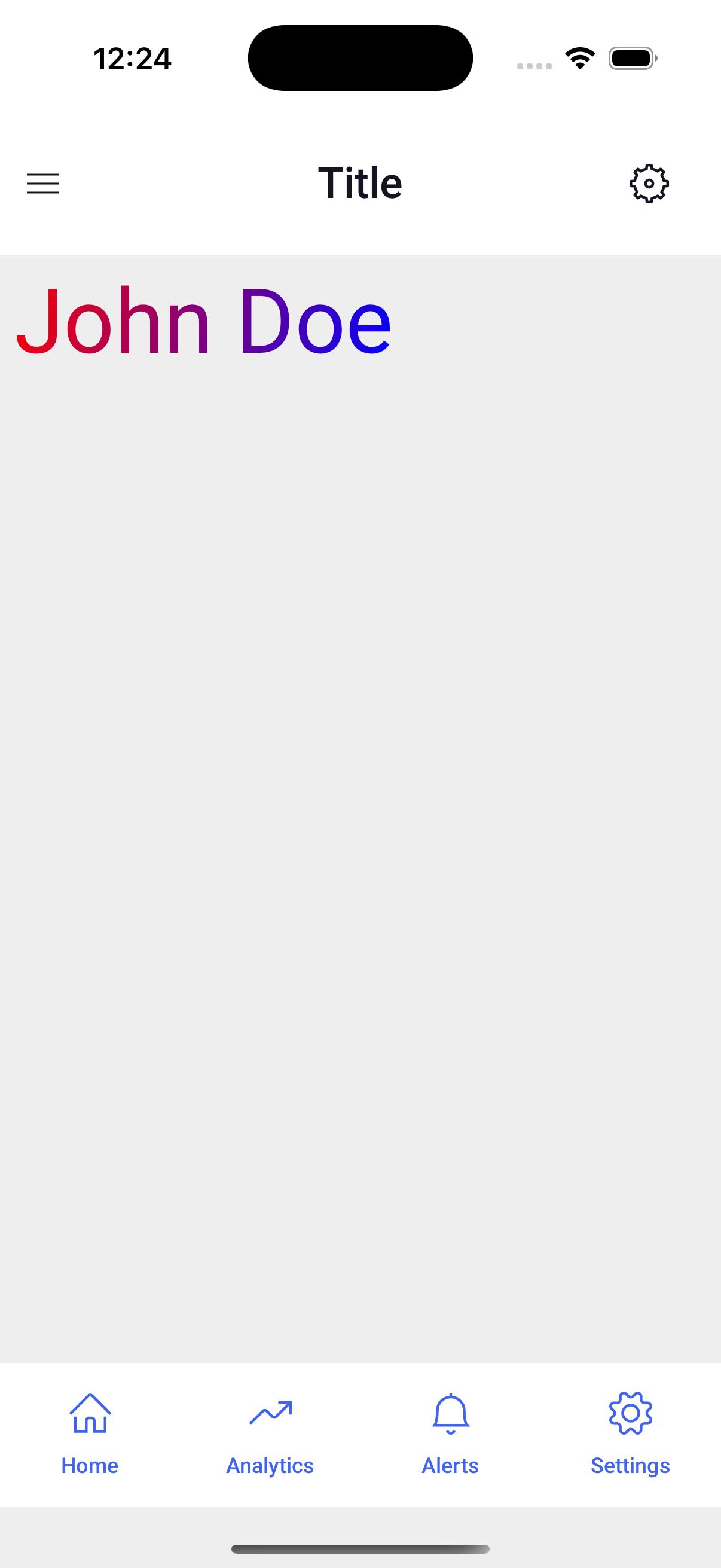
Equal Color Distribution
Colors are spaced equally when no percentages are used.
.app-label-text {
  color: linear-gradient(45deg, #f00, #00f);
}
Controlling Color Spread with Percentages
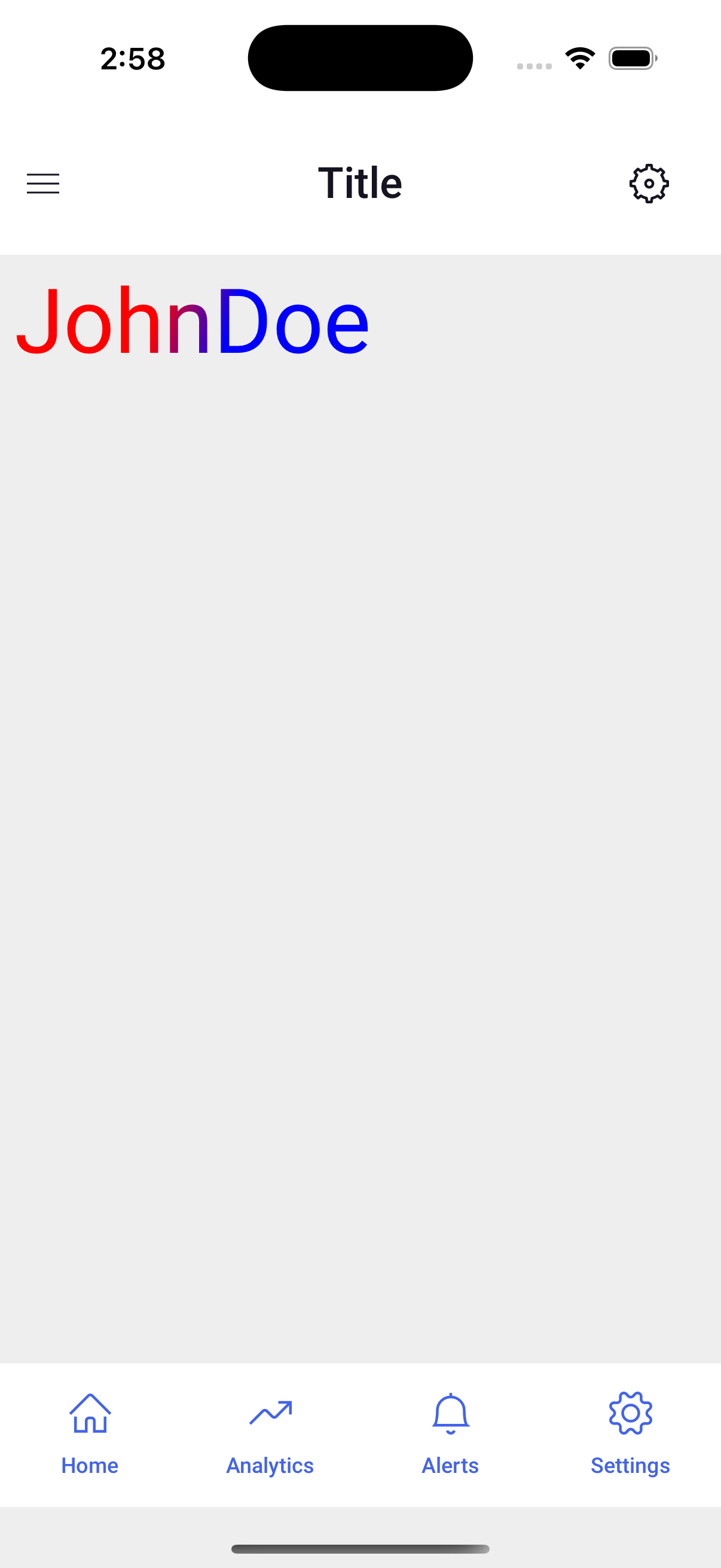
Use color stops to control how much space each color takes.
.app-label-text {
  color: linear-gradient(135deg, #f00 40%, #00f 60%);
}
Red (#f00) fills 40% of the gradient length; blue (#00f) takes the remaining 60%
Good Practices
When applying gradient text styles, follow these guidelines:
Use Whole Numbers for Angles Always specify angle values as whole numbers.
color: linear-gradient(45deg, #f00, #00f);Maintain Ascending Order for Percentages Ensure percentage values are in ascending order for correct rendering.
color: linear-gradient(135deg, #f00 40%, #00f 60%);